
The AI Q&A Knowledge Base stores additional reference material for answers. It is separate from the public help centre you are reading now.
Before you start
Configure AI Q&A and the embedding service. Prepare authorised files, accessible links or clear text. Avoid uploading secrets or personal data that should not be processed by these services.
Steps
1. Open the AI Knowledge Base
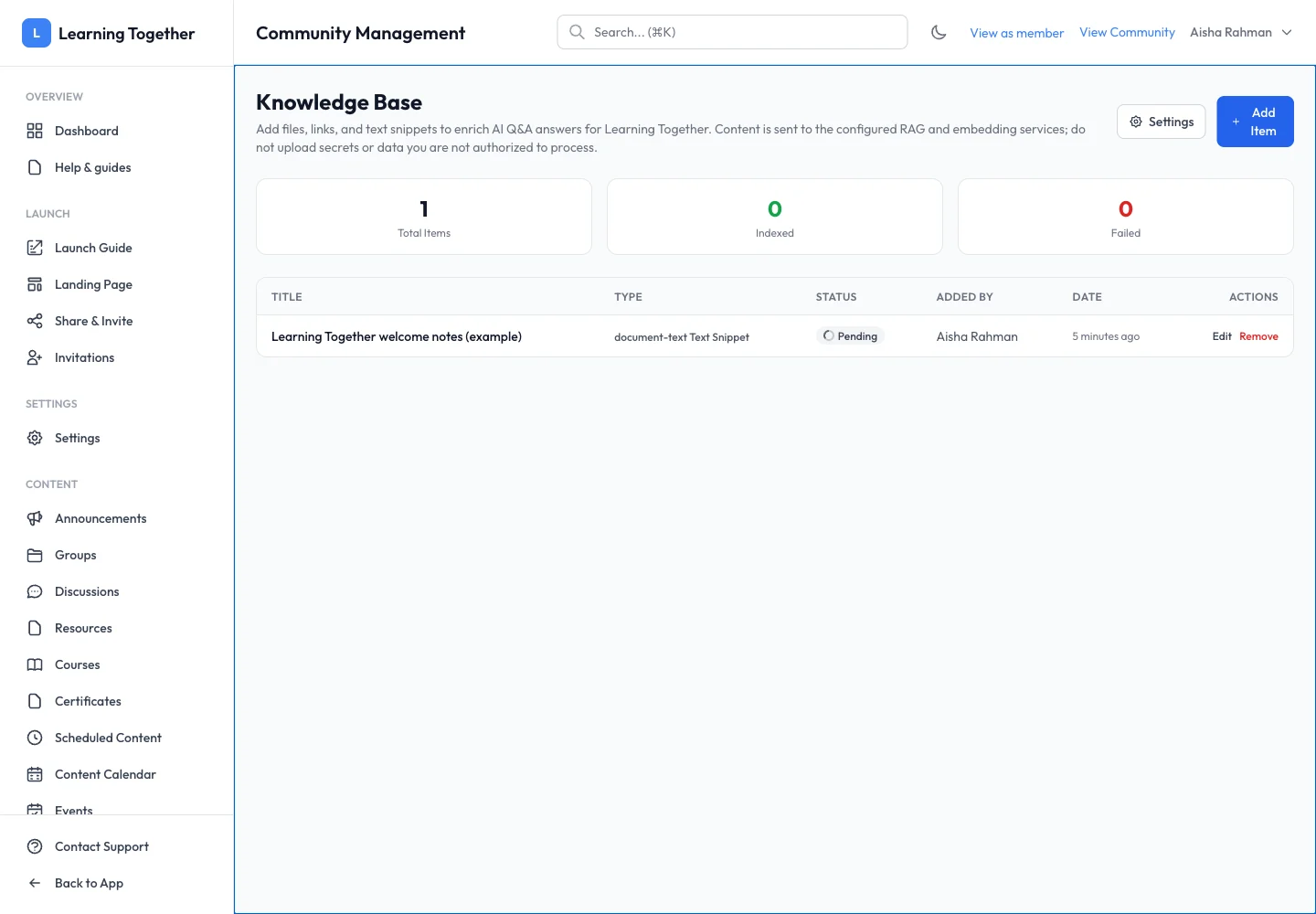
Under the AI area in community management, choose Knowledge Base. Review the existing items and their status before adding another copy.
2. Add an item
Select Add Item and choose a file, link or text snippet as supported. Enter a descriptive title, such as “Learning Together welcome notes”, and add the source content. Follow the displayed format and size restrictions.
3. Follow processing
Save the item and inspect its status. Pending, Crawling and Indexing are processing stages. Indexed indicates completion; Failed needs attention. Read any error before retrying or replacing the source.
4. Test a source-specific question
After indexing completes, open AI Q&A as an allowed user and ask a question the reference clearly answers. Inspect any cited sources and compare the response with the original. A saved item alone does not prove that retrieval is working.
5. Maintain the material
Update or remove outdated items using the available controls. Recheck processing after changes so members do not rely on obsolete instructions.
Expected result
The intended reference material reaches Indexed state and can support relevant answers after a successful retrieval test.
Troubleshooting
- Link cannot be crawled: check accessibility and source permissions.
- Item stays pending: review service availability and contact support if processing does not progress.
- Indexing failed: inspect the error, file format and embedding configuration.
- Answer uses the wrong scope: check community/group source settings and remove duplicate or outdated material.