
A training session brings together the event details, certificate design, attendance and claim requests. It is separate from a course curriculum and from an RSVP event.
Before you start
Open Certificates with certificate-management permission. Save a certificate template first and confirm the training title, date, timezone, trainer and venue.
Steps
1. Create a session
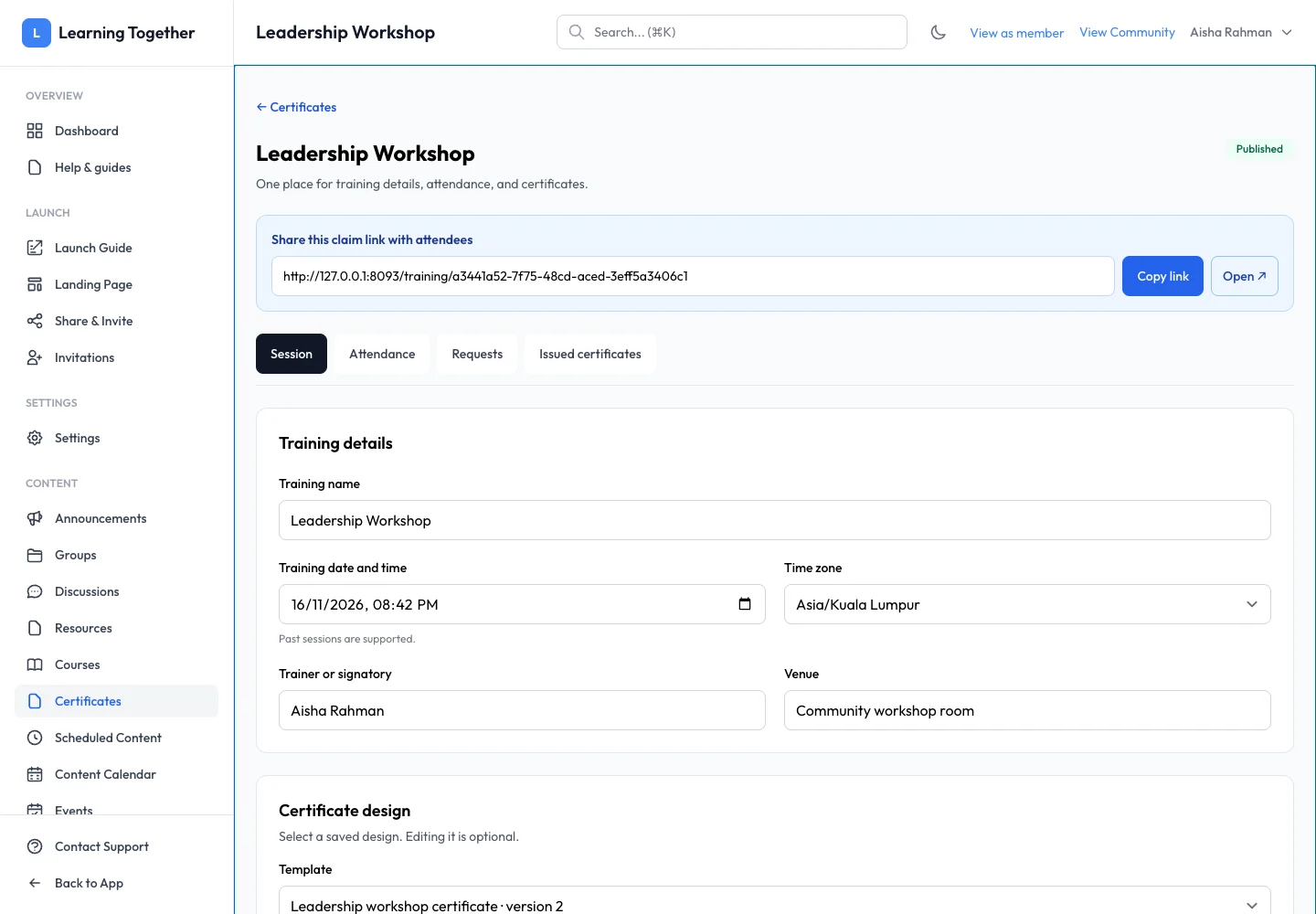
From Certificates, choose the new-session action. Enter the training details. Use the timezone in which attendees understand the event time. Check spelling because these details can appear on the claim page and certificates.
2. Select the certificate design
Choose a saved design from Template. The selector identifies its version. Preview the design before using it. If you edit the template later, reopen the session and choose the new version for future certificates where needed.
3. Choose who can claim
Select Direct claim when attendees can verify their account email and claim without joining the community. Select Members only when they must complete onboarding and have active community membership. Both modes still check confirmed attendance; unmatched requests come to you for review.
4. Save and publish
Save the draft while preparing. When ready, use the publish action. Publication makes the training name, date, trainer and venue visible to anyone with the claim link. Review that information before sharing.
5. Share the claim link
Use Copy link or Open on the published session. Send that link to the intended attendees. Keep attendance and claims in this same workspace rather than creating a duplicate session for each person.
Expected result
The published link opens the correct training and guides attendees through the chosen access requirements.
Troubleshooting
- No design available: save a template in Certificates → Templates first.
- Old design still selected: choose the latest template version and save the session.
- Attendee asked to join: the session may use Members only.
- Link unavailable: check publication, community availability and whether the session was archived.