
Joining gives you access to a community space. A creator can offer particular groups, courses or resources separately, so joining does not automatically unlock everything inside.
Before you start
Create a Recqa account and verify your email. Keep the invitation link or code if the creator gave you one. Check the community description and any price before continuing.
Steps
1. Find the community
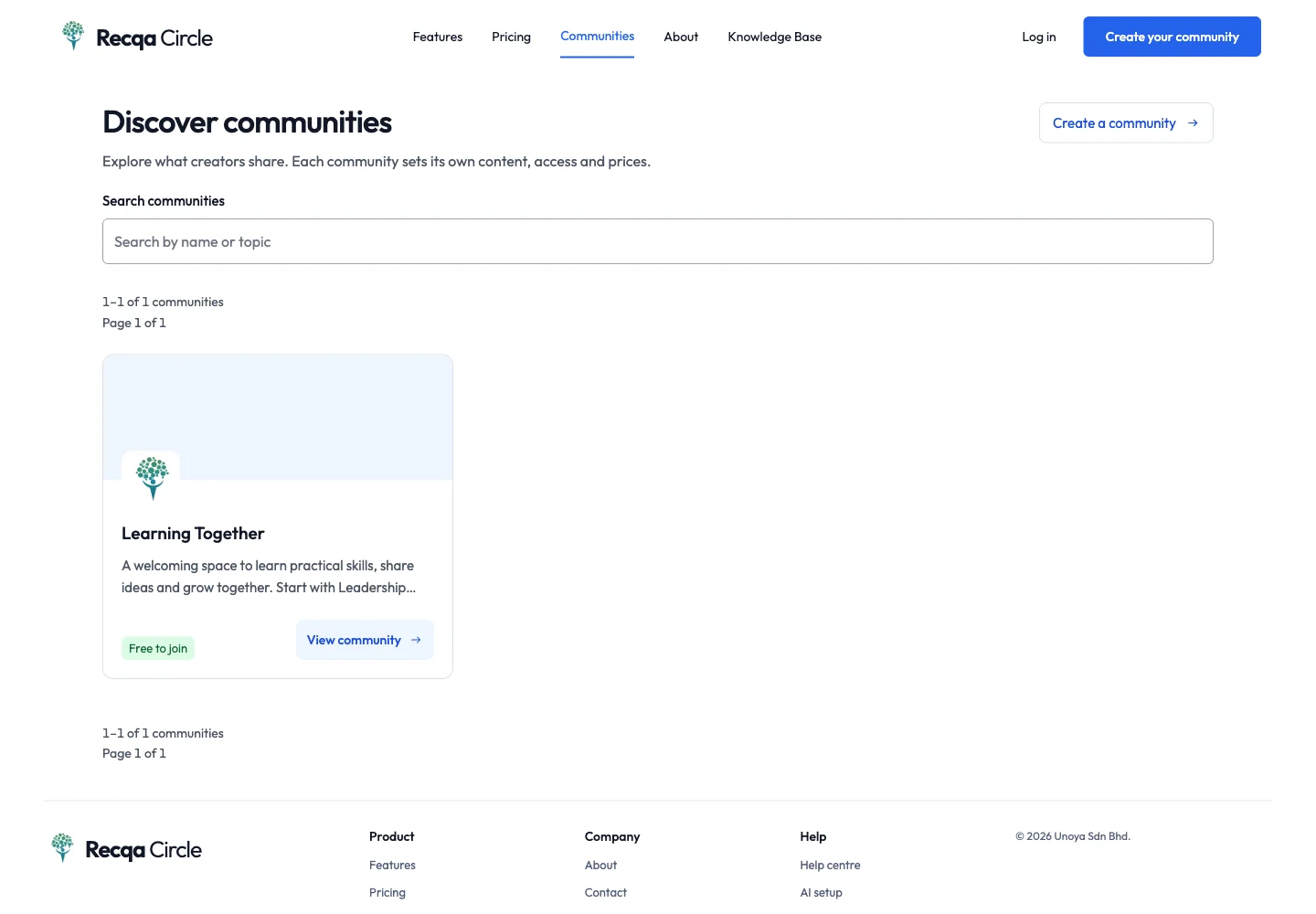
Open Communities from the main navigation. Browse the directory or open the direct link sent by the creator. Select the community to read its introduction.
2. Check the joining method
Read the access and price information on the community page. Public access, approval and paid access lead to different next steps. Select the joining action shown on that page. If Recqa asks you to sign in, use the email address you want associated with your membership.
For an invitation code, open Redeem an invitation, enter the code and review what it grants. Do not assume a code includes paid courses unless its offer says so.
3. Complete the requested step
- Open joining: confirm and continue into the community.
- Approval: submit the request and wait for the community team to review it. Repeated requests do not speed up approval.
- Paid access: check the amount and complete the checkout. Wait for the payment result before trying again.
- Invitation: review the invited community or group and accept while the code is valid.
4. Complete your first visit
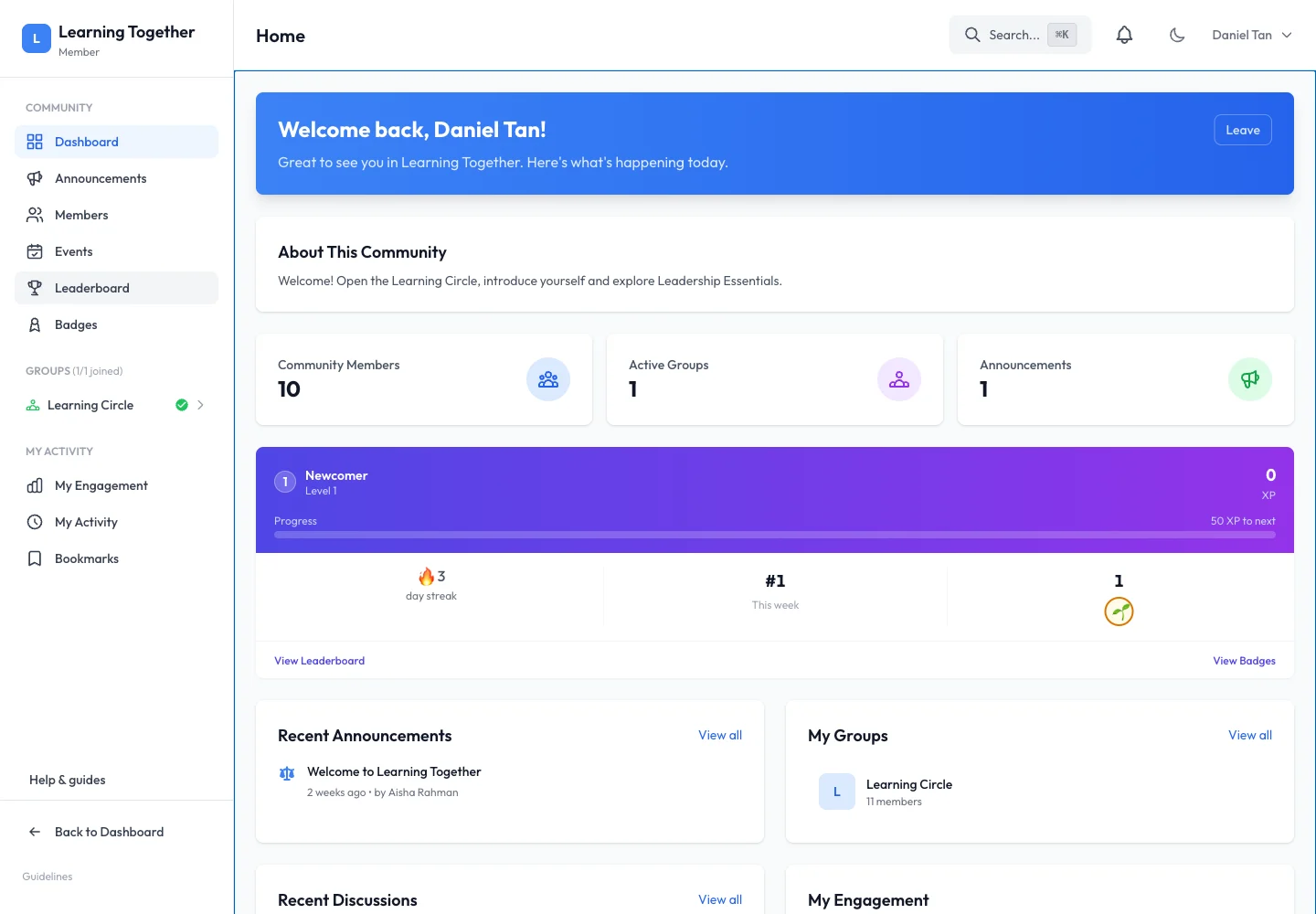
Follow any onboarding prompts. Open My Communities, choose the community and read its welcome information. Use its navigation to explore Groups, Announcements, Resources or Courses where enabled.
Expected result
The community appears in My Communities, or your request is clearly marked as waiting for approval. Once admitted, you can access the areas included in your membership.
Troubleshooting
- Invitation expired or fully used: ask the creator for a replacement. Creating another account does not restore an expired code.
- Payment completed but access has not appeared: check Payment History and the result page before paying again. Send the transaction reference to support if the status remains pending.
- A course still asks for payment: community membership and course purchases can be separate.
- The community is missing from the directory: private communities may require a direct invitation.