
Gamification recognises participation through XP, levels, streaks and badges. Keep the rewards connected to useful community behaviour.
Before you start
Open management with gamification permission. Decide which activities you want to encourage and whether members should see a leaderboard.
Steps
1. Review the overview
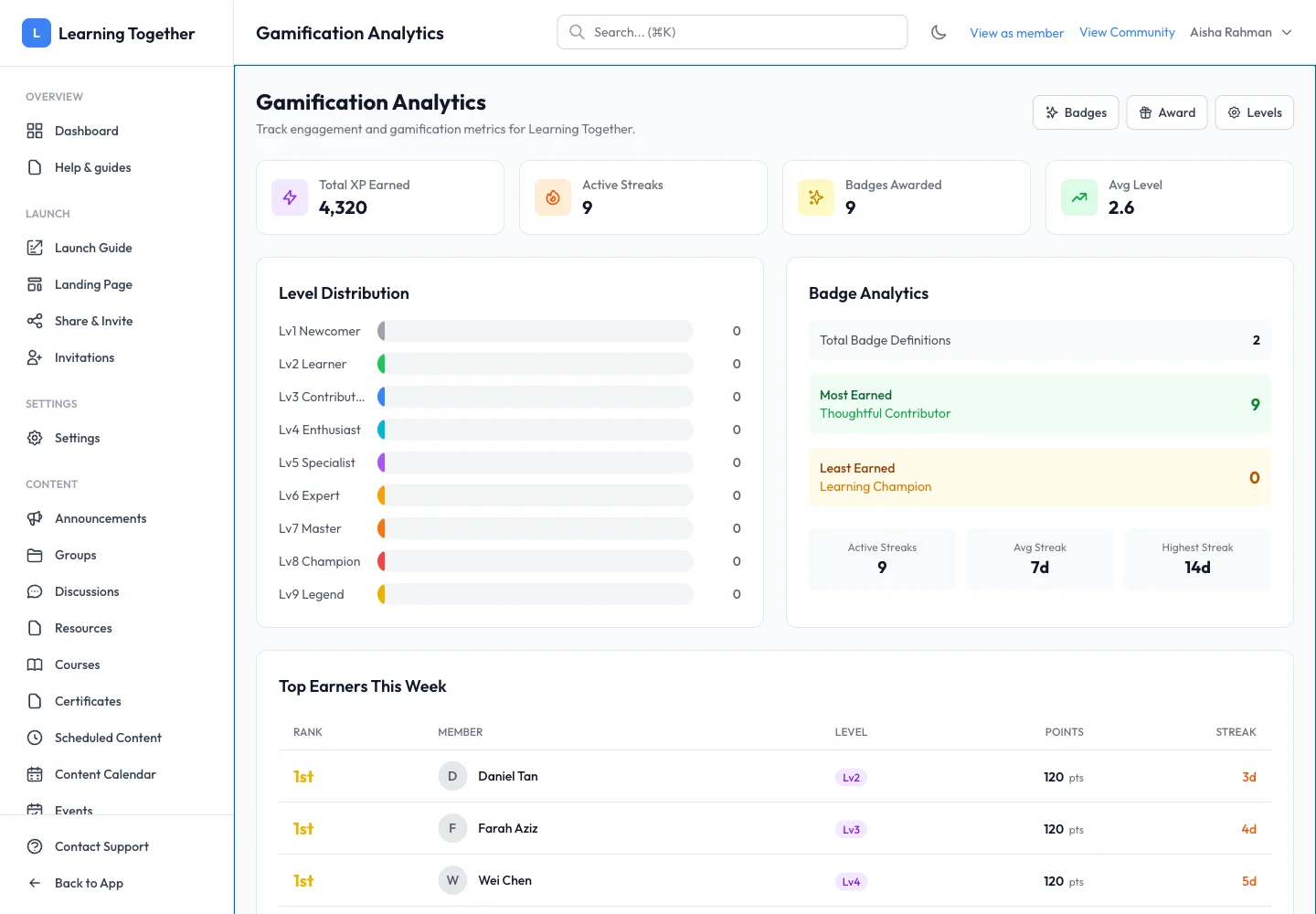
Open Gamification Overview. Inspect total XP, active streaks, badges awarded and level distribution. Use this to understand participation before changing the reward setup.
2. Configure level settings
Open Level Settings. Set gamification, streak and leaderboard switches as appropriate. Edit level names if they help your community understand progress, then Save Configuration. Reset Defaults restores the default setup; review the result before saving changes.
3. Create a badge
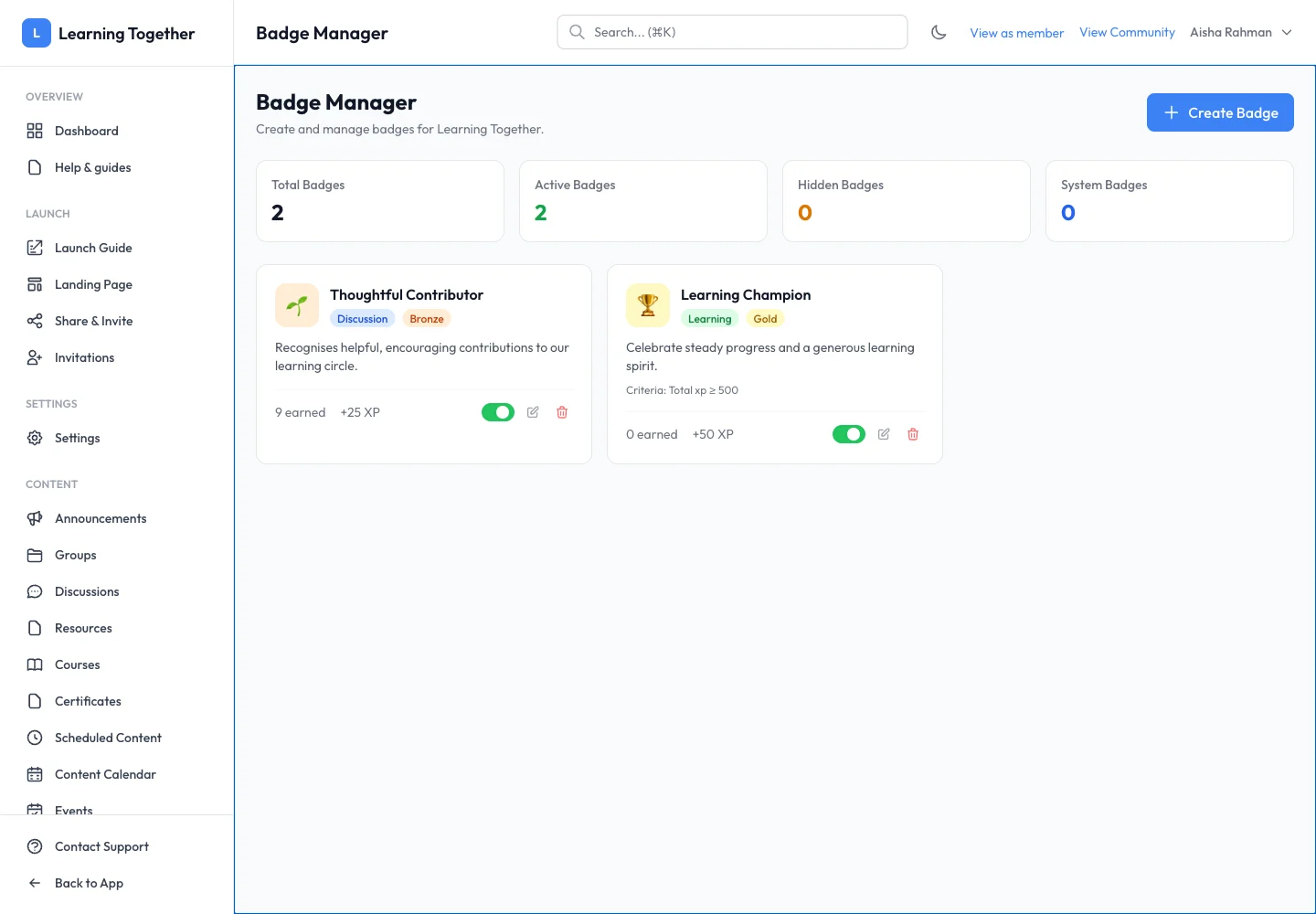
Open Badges → Create Badge. Enter its name and description, choose the icon, category and tier, and configure any supported earning criteria. Set the XP bonus and visibility/active state deliberately. Save the badge and inspect its card.
4. Check the member experience
Open the member Badge Catalog and Leaderboard. Hidden badges and disabled directory visibility affect what members can see. Hiding the member directory also hides the Leaderboard.
Expected result
Your reward settings are saved and members can understand the visible badges and levels available to them.
Troubleshooting
- Leaderboard missing: check both leaderboard and member-directory switches.
- Badge not visible: inspect Active and Hidden settings.
- XP differs from visits: rewards are based on configured participation activities, not every page view.
- New level names not shown: save configuration and reopen the member view.