
Your community may share notes, recordings, files, links and quizzes in Resources. Some items belong to a group or are sold separately.
Before you start
Join the relevant community and group. Read any purchase or access information before opening paid material.
Steps
1. Open the correct library
Choose Resources from the community or group navigation. Browse the titles and descriptions, then select the item you need. Group resources appear according to your access.
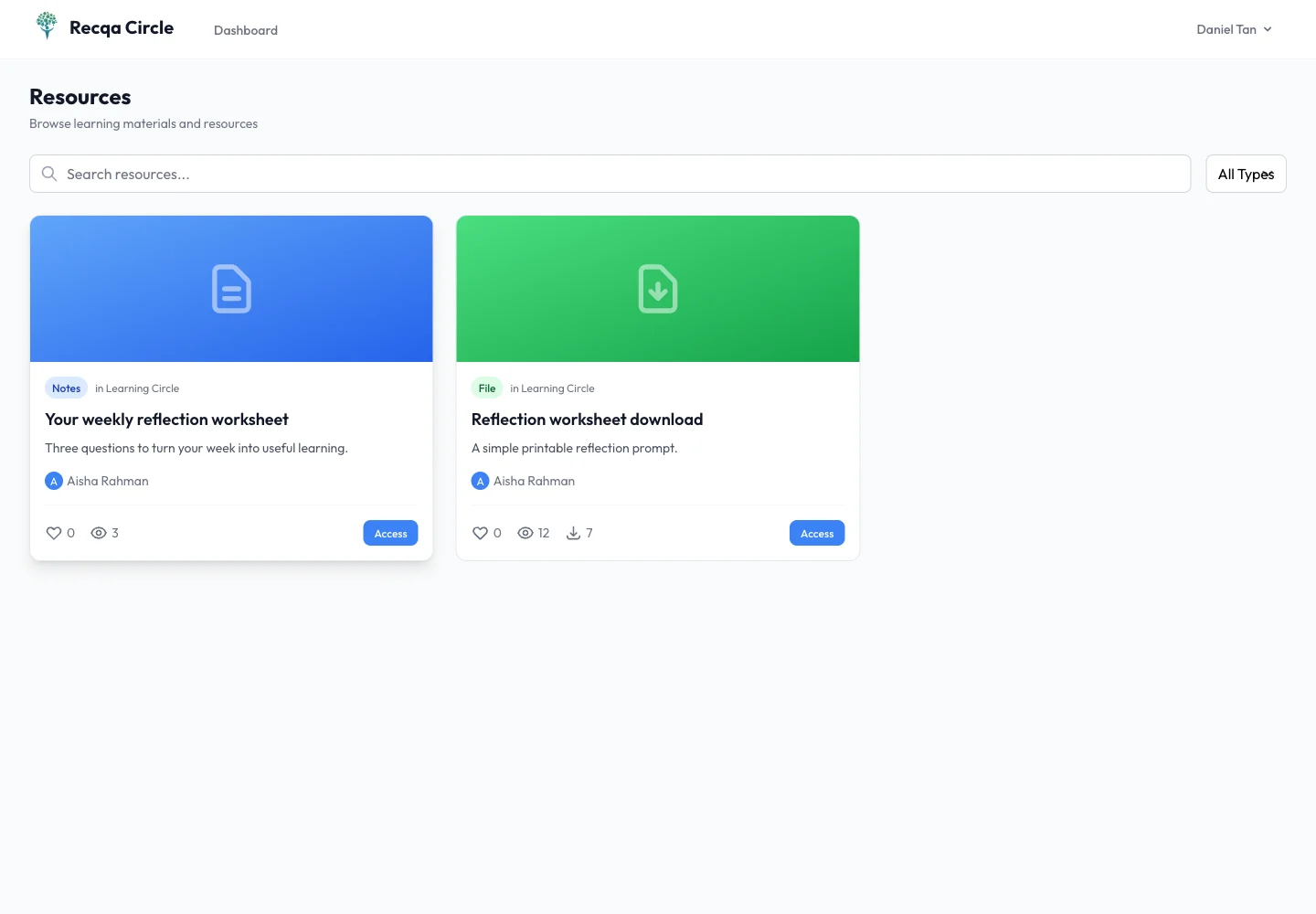
2. Read or play the item
Open a notes resource to read its content. Use the player for supported video or audio. Read a transcript when provided. For a link resource, review the destination before opening the external site.
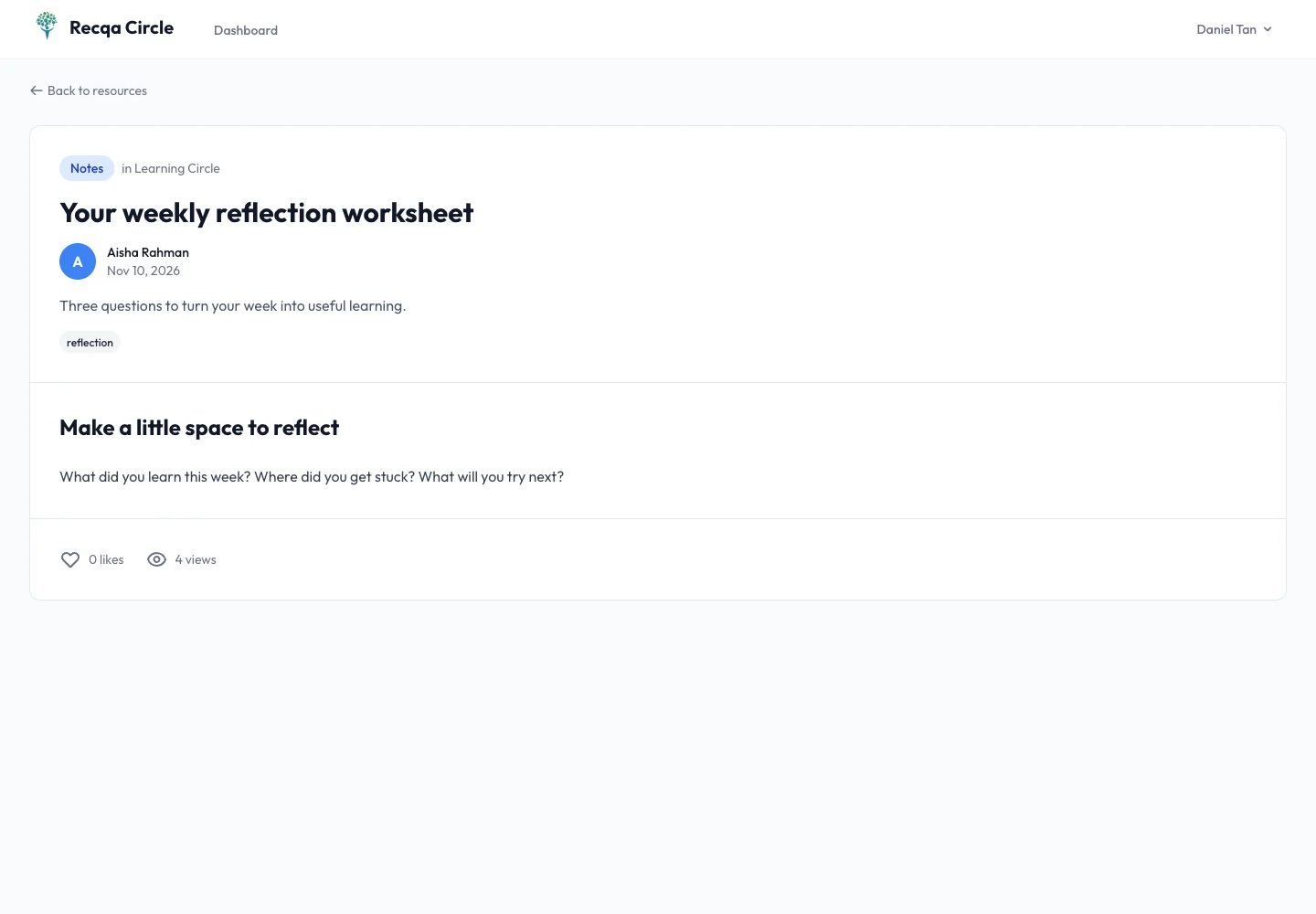
3. Download files or complete a quiz
For a file resource, use its download action and open the file with a suitable application. For a quiz, follow the displayed instructions, answer the questions and submit when ready. Review any feedback shown after submission.
4. Return to the library
Use the community or group navigation to browse another item. A paid resource purchase may be separate from community or group membership; check what is included before purchasing.
Expected result
You can use the material included in your access and understand any separate purchase or group requirement.
Troubleshooting
- Video or audio does not load: check your connection and whether the source is still available.
- File opens as a download: save it and use a suitable viewer.
- Access request appears: confirm the account and group you joined.
- Payment pending: inspect Payment History before trying the purchase again.